
Agentic Dev Tools: what we tested and what stuck
There’s a big difference between AI that suggests the next line of code and AI that can navigate your codebase, run tests, and fix what it broke.
The first is autocomplete. The second is agentic.
We tested several tools across our team before choosing one for our pilot project:
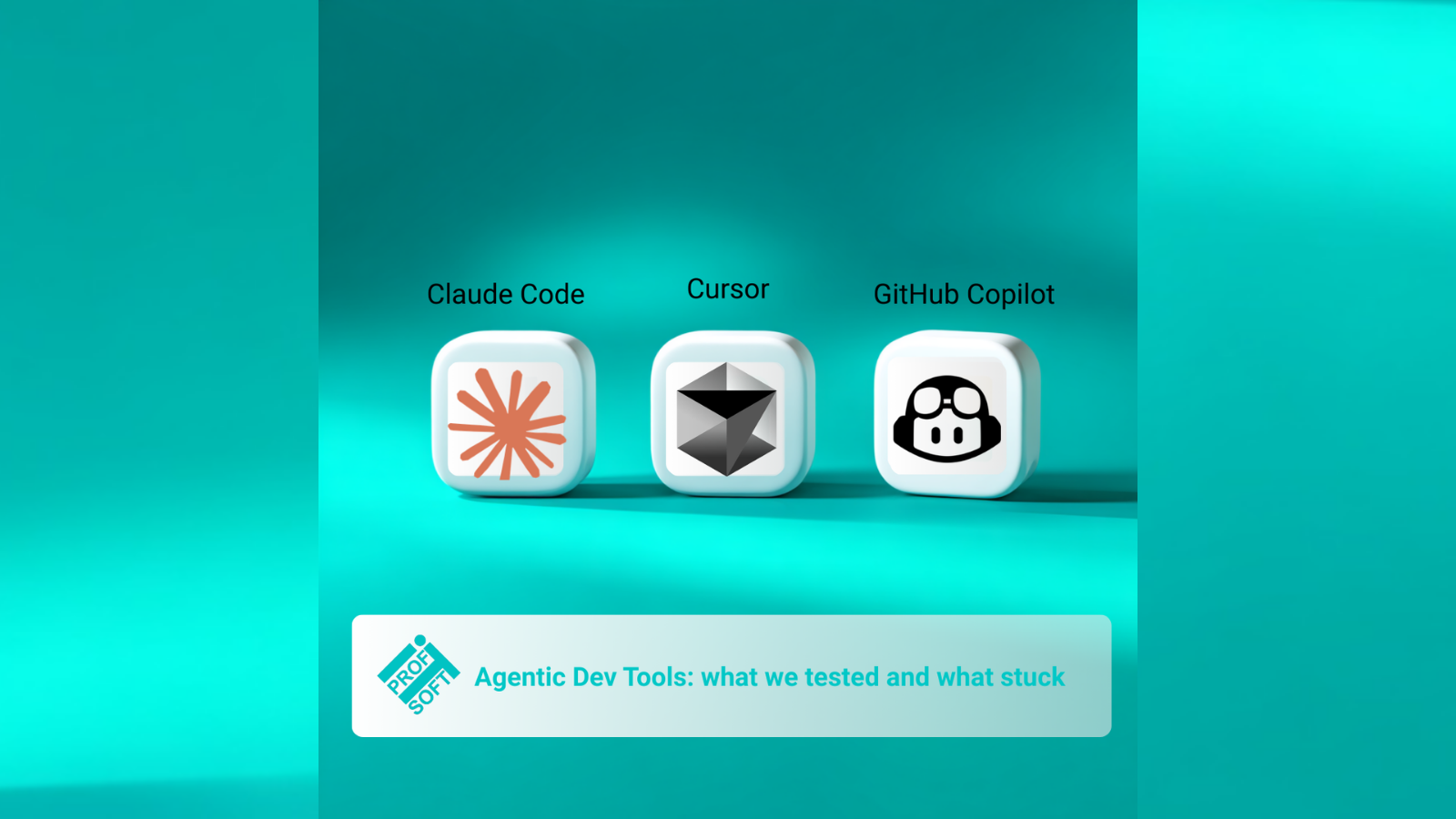
GitHub Copilot – we started with the classic inline completions, then tried the new Agent Mode. Copilot has come a long way – it now does multi-file edits, autonomous task execution, even has its own CLI with agentic workflows. It’s a serious tool. But the best agentic experience is inside VS Code, and most of our developers live in IntelliJ IDEA.
Cursor – impressive IDE with AI deeply integrated. Multi-file edits, chat with codebase context, solid UX. But it meant switching the entire team to a new editor.
Claude Code – a CLI-based agent that reads your project structure, explores files on its own, makes changes across multiple files, runs commands, and iterates on errors. It doesn’t replace your IDE – it works alongside it. And with the JetBrains integration, our developers stayed in IDEA while getting full agentic capabilities.
All three are genuinely agentic now. The deciding factor wasn’t capability – it was fit. We didn’t want the AI tool to dictate the IDE. We wanted it to fit into the workflow we already had.
What surprised us most: the agentic approach changes how you communicate with AI. You stop writing “generate a function that…” and start writing specifications. You describe what you want at a higher level – and the agent figures out which files to touch, what patterns to follow, and how to wire things together.
It’s closer to delegating to a junior developer than to using a code generator.
We chose Claude Code for our flagship project. Not because it’s perfect – but because it was the most capable agent that didn’t force us to change everything else.
Have you tried any agentic dev tools? What was your experience?